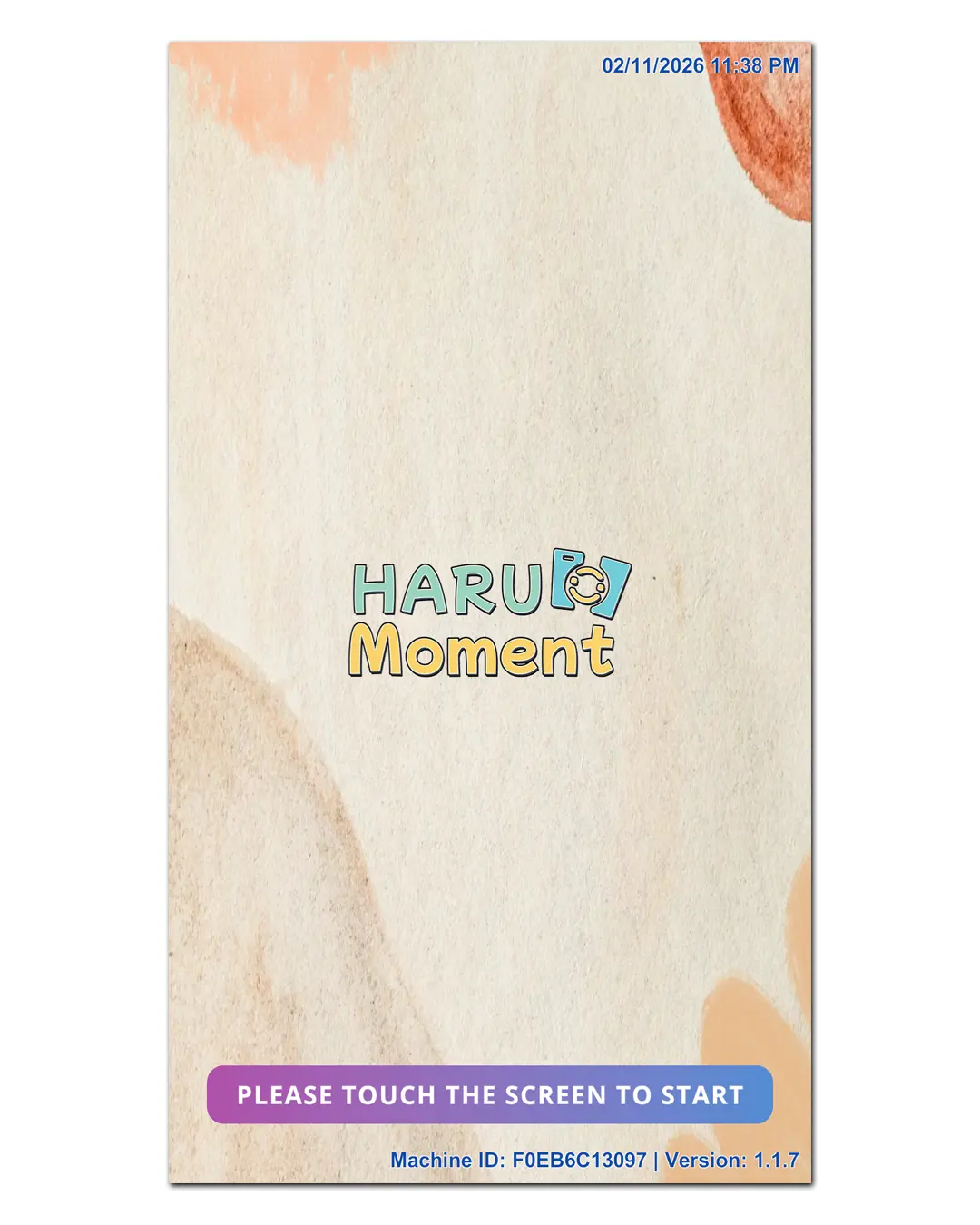
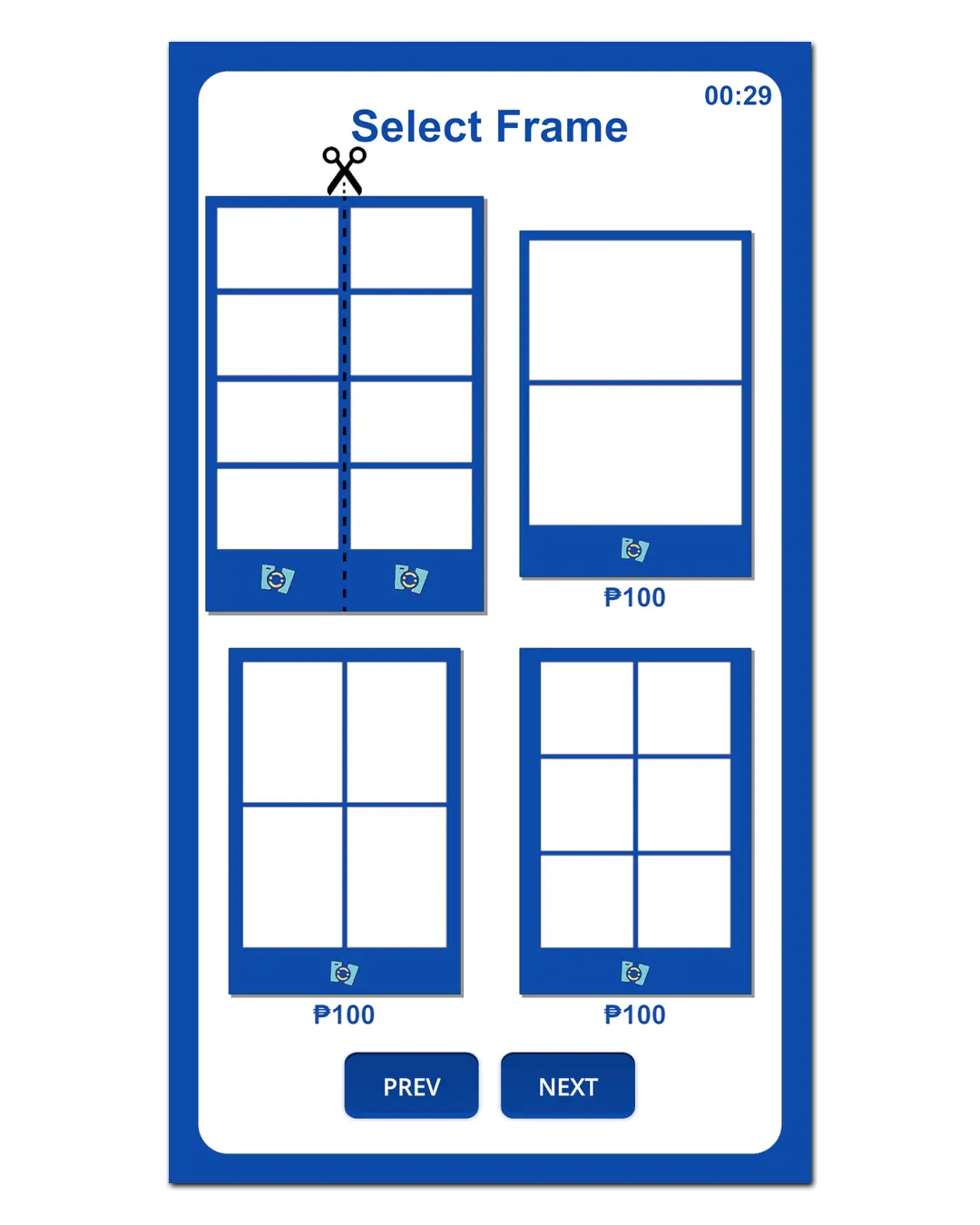
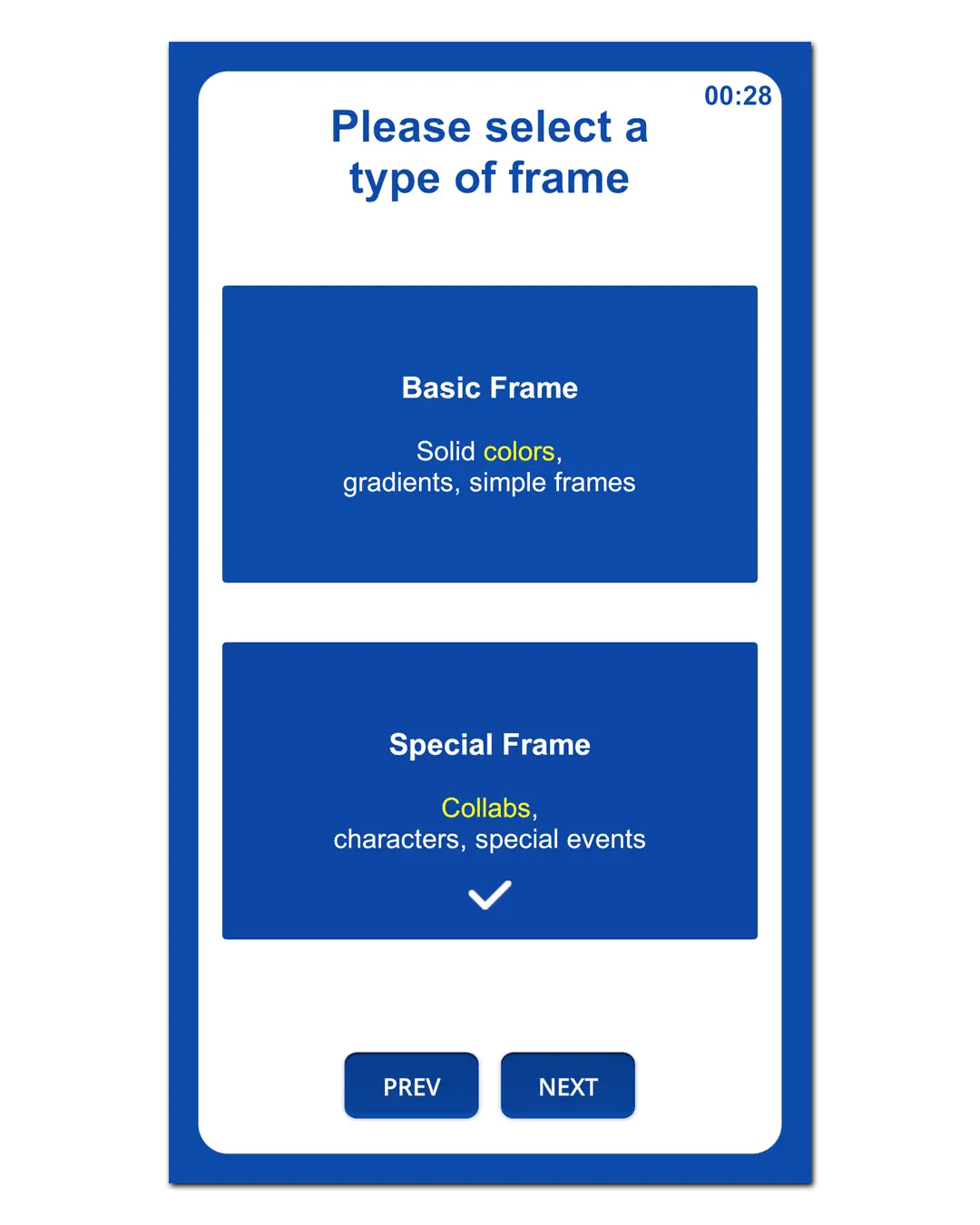
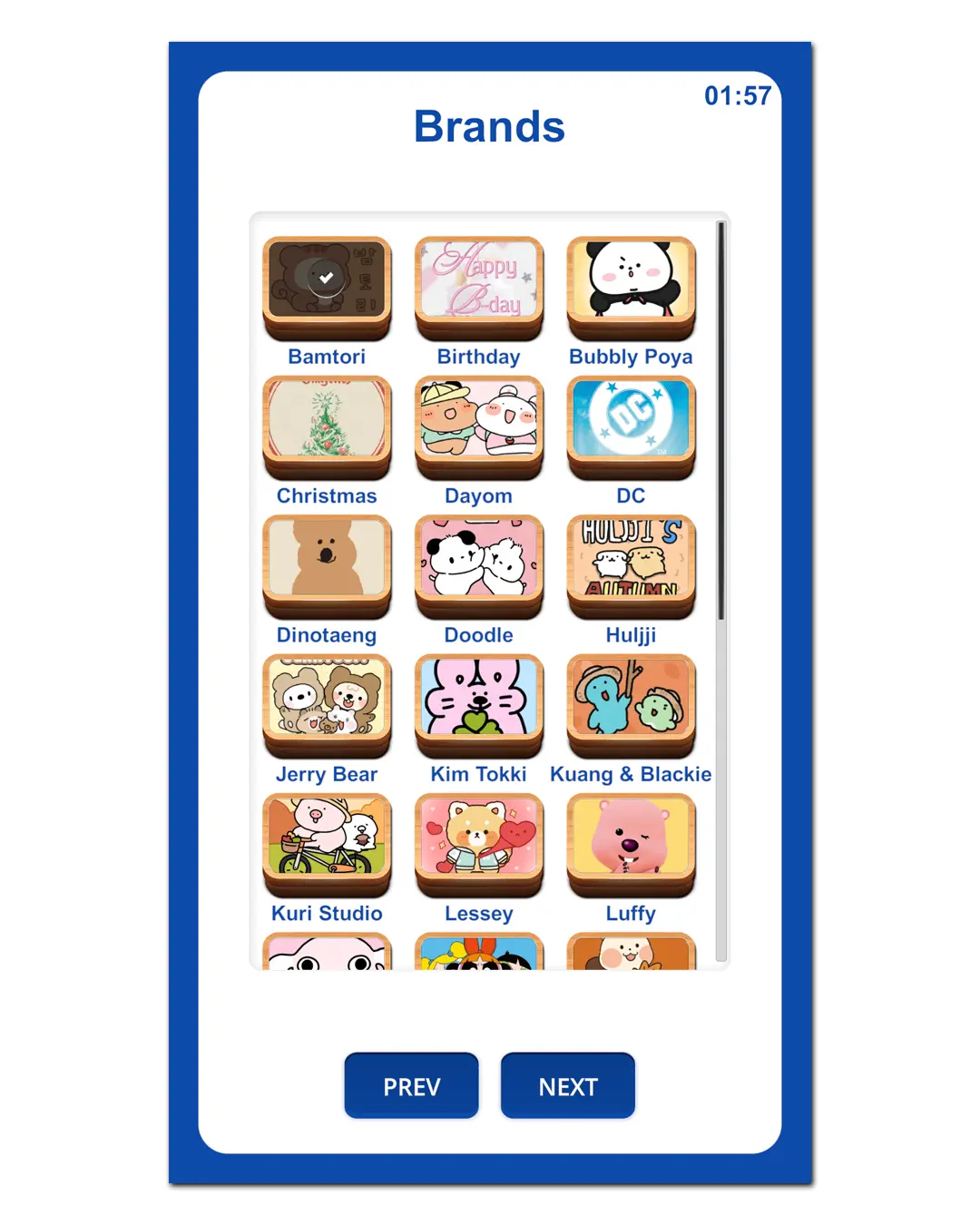
Haru Booth is a self-service photobooth software designed for automated booths. It supports session timers, and transaction reports—so customers can use the booth without staff.
Haru Booth is developed and operated by HARU COMPUTER PROGRAMMING SERVICES, a DTI- and BIR-registered sole proprietorship in the Philippines providing computer programming services.
Haru Booth helps you run a complete photobooth experience: start a session, capture photos, apply frames, and prepare prints smoothly for kiosks and self-studios.
With HaruBooth, you can set up a self-service photobooth in malls, cafés, events, and studios—simple for customers and easy for operators.
NOW AVAILABLE ON THE APP STORE
Turn your Mac, iPhone or iPad into a customizable photobooth for events, celebrations, businesses, and self-service booth setups. All three are available on the App Store. The Windows version is also available.
App highlights
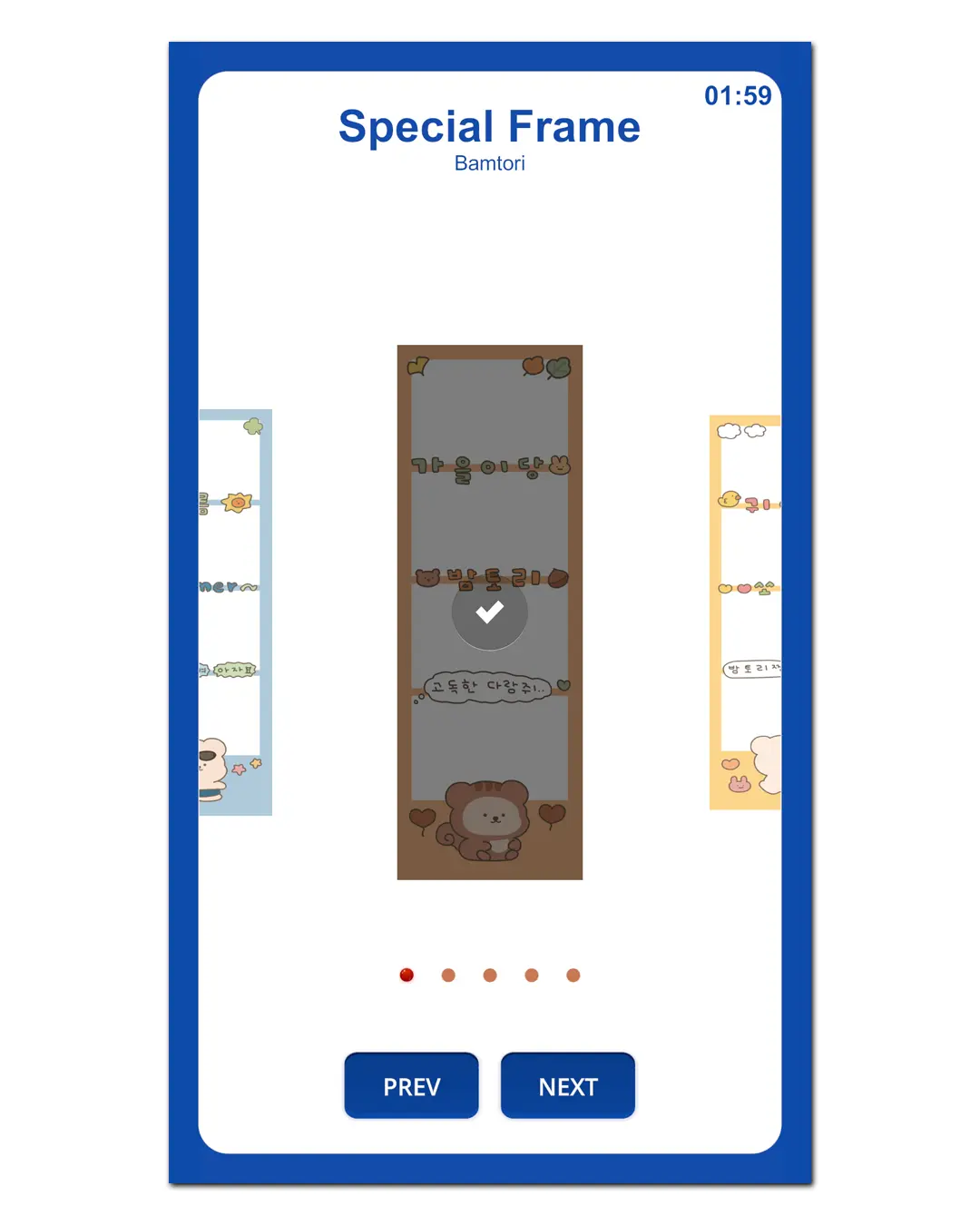
Photo layouts, Special Frames, filters and Template Editor
Video Guest Book and photo/video event experiences
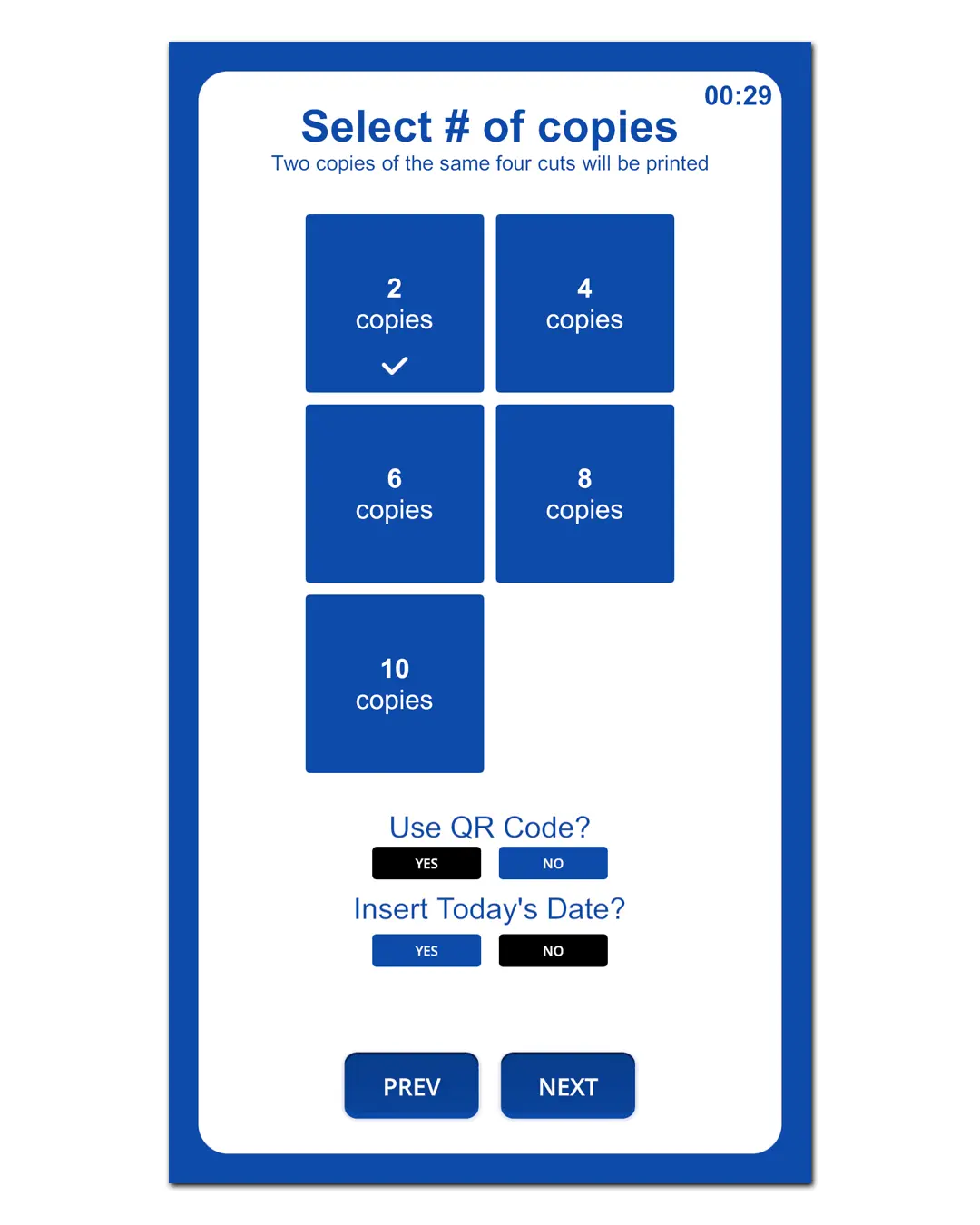
QR sharing plus supported direct photo printing
Camera support for compatible devices, including selected Canon & Nikon models
A quick walkthrough of Haru Booth running in kiosk/self-service mode.
Made for self-service kiosks
Session timer + auto end / reset flow
Smooth print queue + print-ready output
QR sharing for fast downloads
Transactions & usage reporting
Start Your Own Self-Service Photobooth
Haru Booth is built for entrepreneurs who want a fully automated, staff-free photobooth business. Simple setup. Smooth workflow. Real revenue potential.
A quick look at Haru Booth workflow for live events—fast capture, frame apply, and print-ready output.
Optimized for high-volume events
Built for weddings, birthdays, corporate events
Fast capture flow with operator-friendly controls
Quick reprints + consistent print sizing
QR downloads for guests
Built for speed on event day
From guest line to printed strips—Haru Booth keeps the flow moving. Perfect when you need fast output and consistent results.
Haru Booth is a commercial photobooth software product developed and operated by HARU COMPUTER PROGRAMMING SERVICES, a DTI- and BIR-registered sole proprietorship in the Philippines.
Registered business address: City of Tanauan, Batangas, Philippines, Philippines.
Haru Booth combines flexible booth modes, modern photo experiences, camera and printer support, payments, effects, and offline sharing in one configurable photobooth system.

Booth Modes & Templates
Run Haru Booth the way your business needs — unattended, event-based, or fully customized.
Kiosk, Events, and Events Template modes
Template Editor for custom event layouts
Up to 20 Events Template frame layouts
Portrait or landscape screen orientation

Photo Experiences
Offer more than standard photo strips with package options you can enable per booth.
Collage & 2 Photo Strips
Photo Flipbook with 24/32 pages and 5/8-shot sessions
Photo Receipt and Photo Keychain options
AI Portraits and Photo Print from a guest phone

Filters, Beauty & Video
Give guests more ways to personalize every session while keeping the workflow simple.
Offline Beauty Filter with 0–10 strength and support for up to 12 faces
Built-in filters plus custom .cube LUT uploads
Up to 4 guest-facing Color Filter slots
Photo Stickers plus Timelapse or Live Photos Video

Camera & Printing
Configure the camera and printer setup that fits your booth hardware.
Webcam, Canon DSLR, and Nikon DSLR modes
Optional guest camera-selection page
Default + secondary photo printer support
Dedicated thermal receipt printer, test prints, and DNP paper tracking

Payments & Pricing
Choose how paid booths collect money and keep pricing separate for each experience.
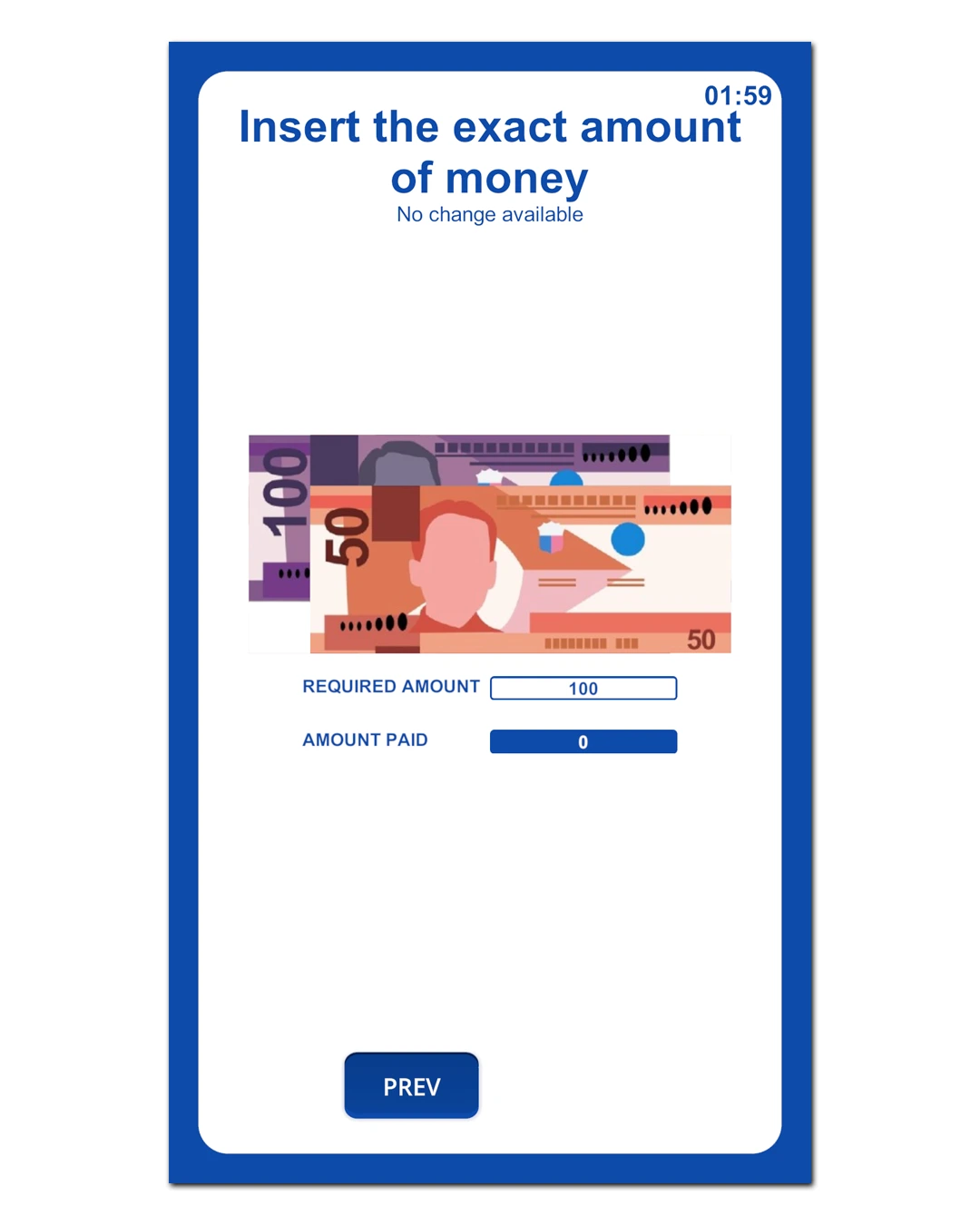
Cash flow with bill acceptor support
Bill-only or Bill + Coin pricing rules
Voucher code payments
Optional Scan to Pay after license activation and payment setup

Sharing & Booth Operations
Keep the booth practical for day-to-day operation, even when internet access is limited.
Offline QR downloads over the booth's local Wi-Fi
Automatic local saving for photos and videos
Telegram channel integration
Countdown, photo-review, page-timer, retake, and auto-save controls
Mac, iPhone & iPad Versions
Install Haru Booth directly from the App Store on a compatible Mac, iPhone or iPad. Camera, printer, and accessory compatibility can vary by device and setup.
Haru Booth supports Windows and macOS. You can use a laptop, mini PC, desktop computer, or a Mac. For compact photobooth setups, a mini PC or Mac mini is recommended for space efficiency.
For maximum results, use a DSLR/Mirrorless camera, or a reliable Full HD webcam for simpler setups.
If you still have questions regarding the device, please consult the admin first. ❤️
Start with Haru Booth, then choose monthly or annual billing whenever you are ready.
Mac, iPhone and iPad subscriptions and optional in-app purchases are handled through Apple's App Store and may use different localized pricing from the Windows plans shown below.
Monthly
Flexible billing for new booths and operators who prefer a lower starting commitment.
$24/mo
Checking your pricing...
Included with your Haru Booth license
1 booth / device license
Kiosk, Events & Events Template modes with up to 20 event layouts
Photo Strips, Photo Flipbook, Photo Receipt, Photo Keychain & Photo Print
Beauty Filter, custom .cube LUTs, Stickers & Live Photos Video
Webcam, Canon DSLR & Nikon DSLR camera support
Default + secondary photo printers and thermal receipt printer support
Voucher payments, automatic local saving & Offline QR sharing
• Scan to Pay is available after activation and merchant payment setup.
• AI Portraits are supported; AI credits are purchased/used separately.
Annual
Best for active booths that want one simple yearly payment and better overall value.
$89/yr
Checking your pricing...
Included with your Haru Booth license
1 booth / device license
Kiosk, Events & Events Template modes with up to 20 event layouts
Photo Strips, Photo Flipbook, Photo Receipt, Photo Keychain & Photo Print
Beauty Filter, custom .cube LUTs, Stickers & Live Photos Video
Webcam, Canon DSLR & Nikon DSLR camera support
Default + secondary photo printers and thermal receipt printer support
Voucher payments, automatic local saving & Offline QR sharing
• Scan to Pay is available after activation and merchant payment setup.
• AI Portraits are supported; AI credits are purchased/used separately.
Need Help Choosing?
Ask us about licensing, hardware compatibility, payments, or the best setup for your photobooth.
Chat on WhatsApp