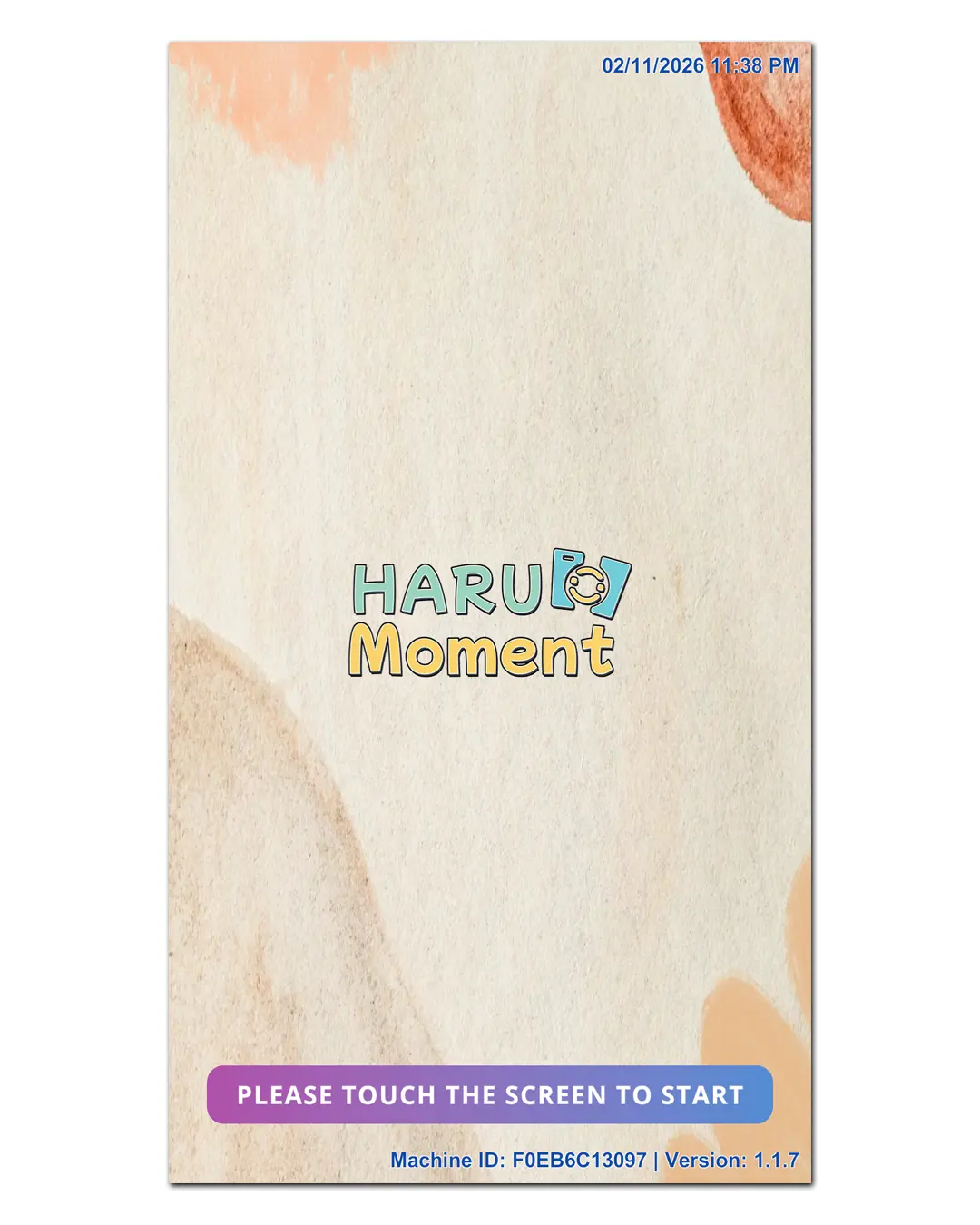
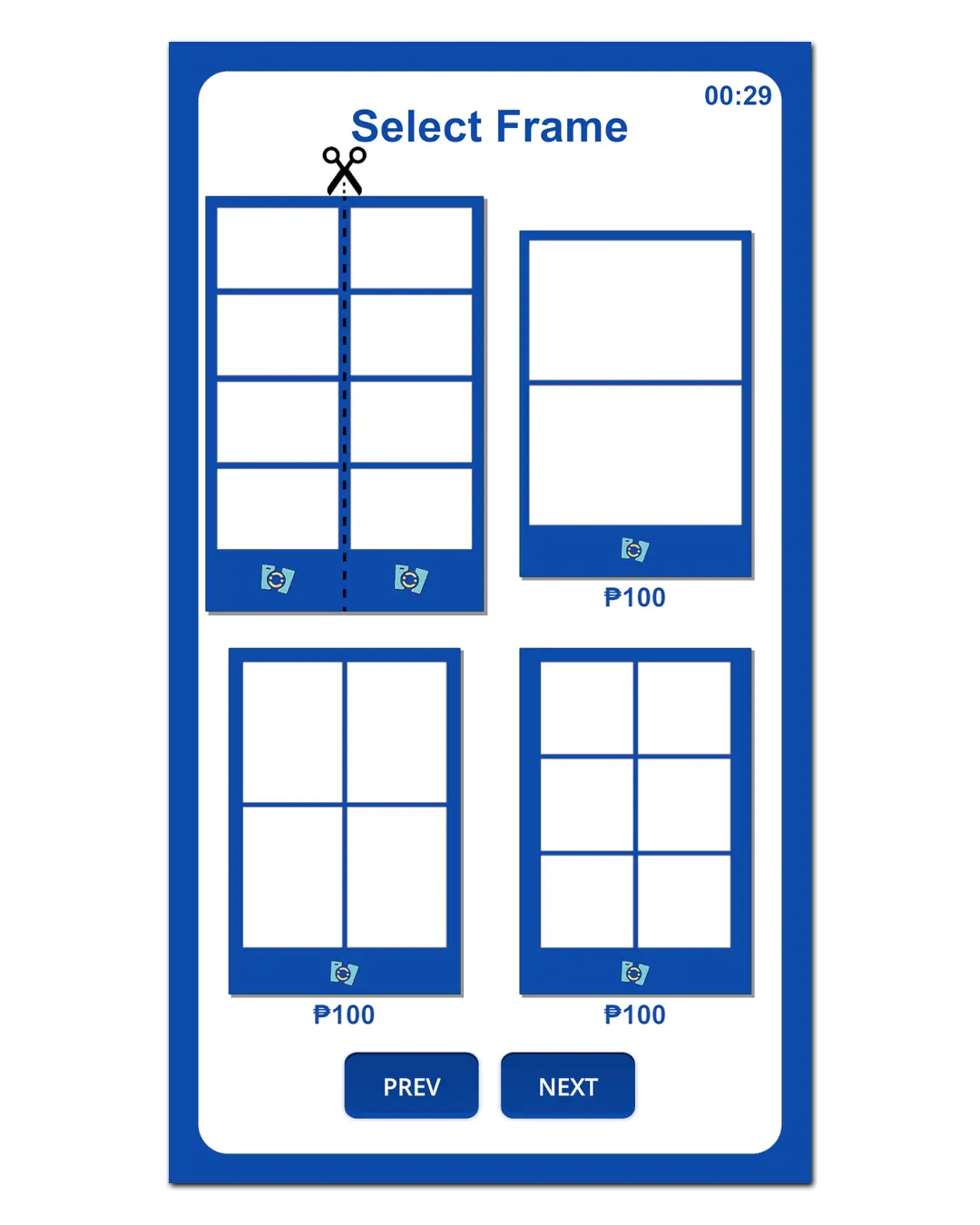
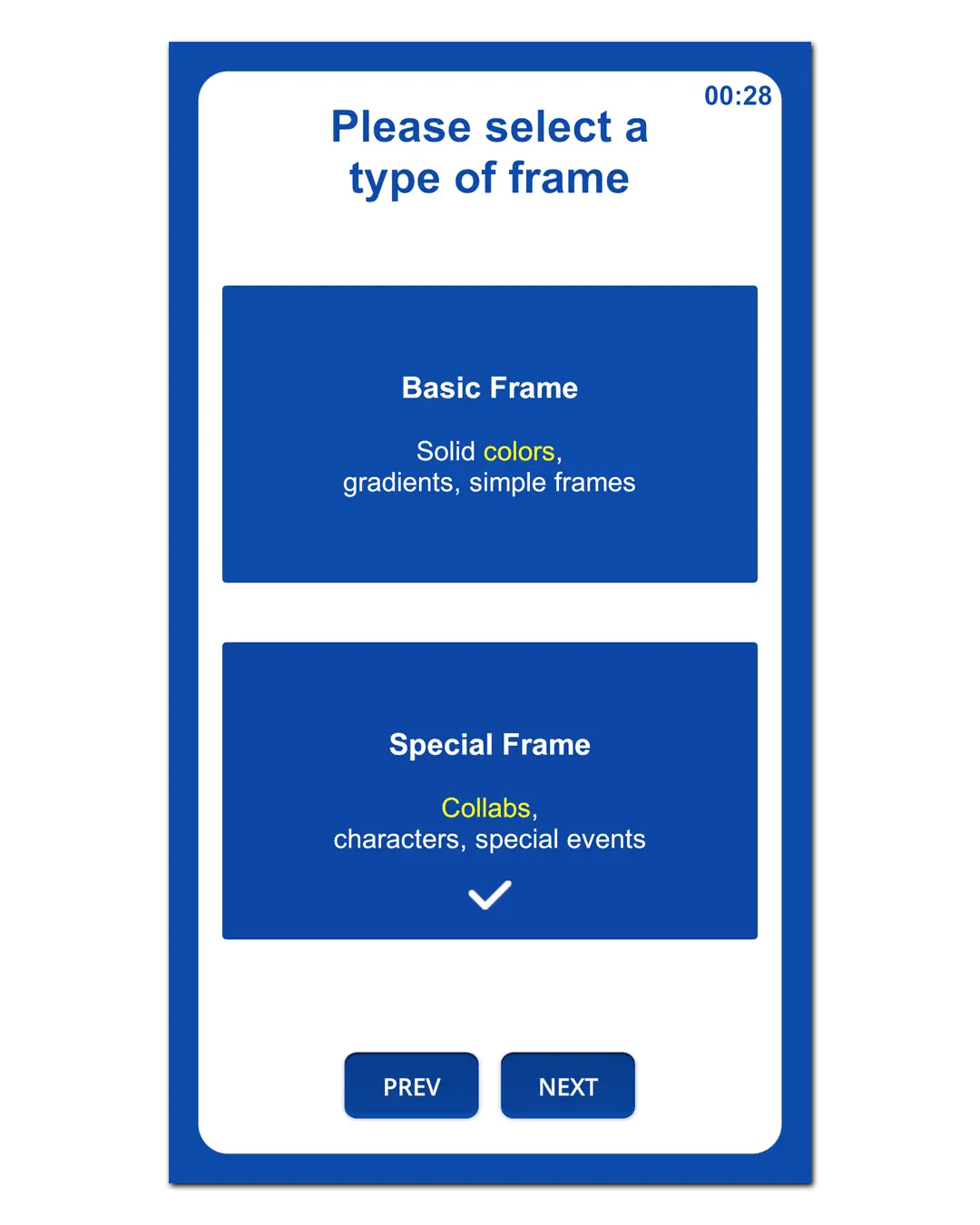
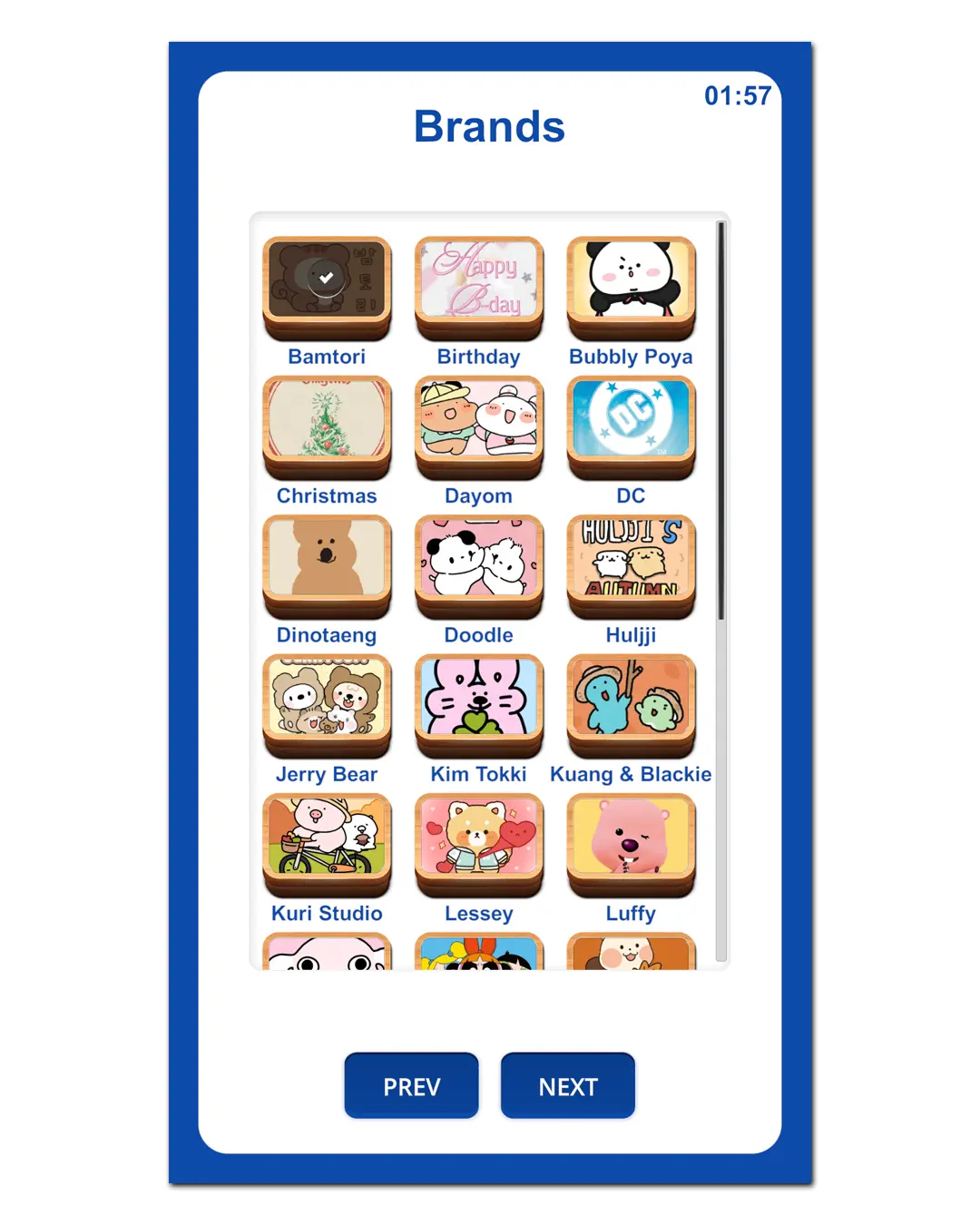
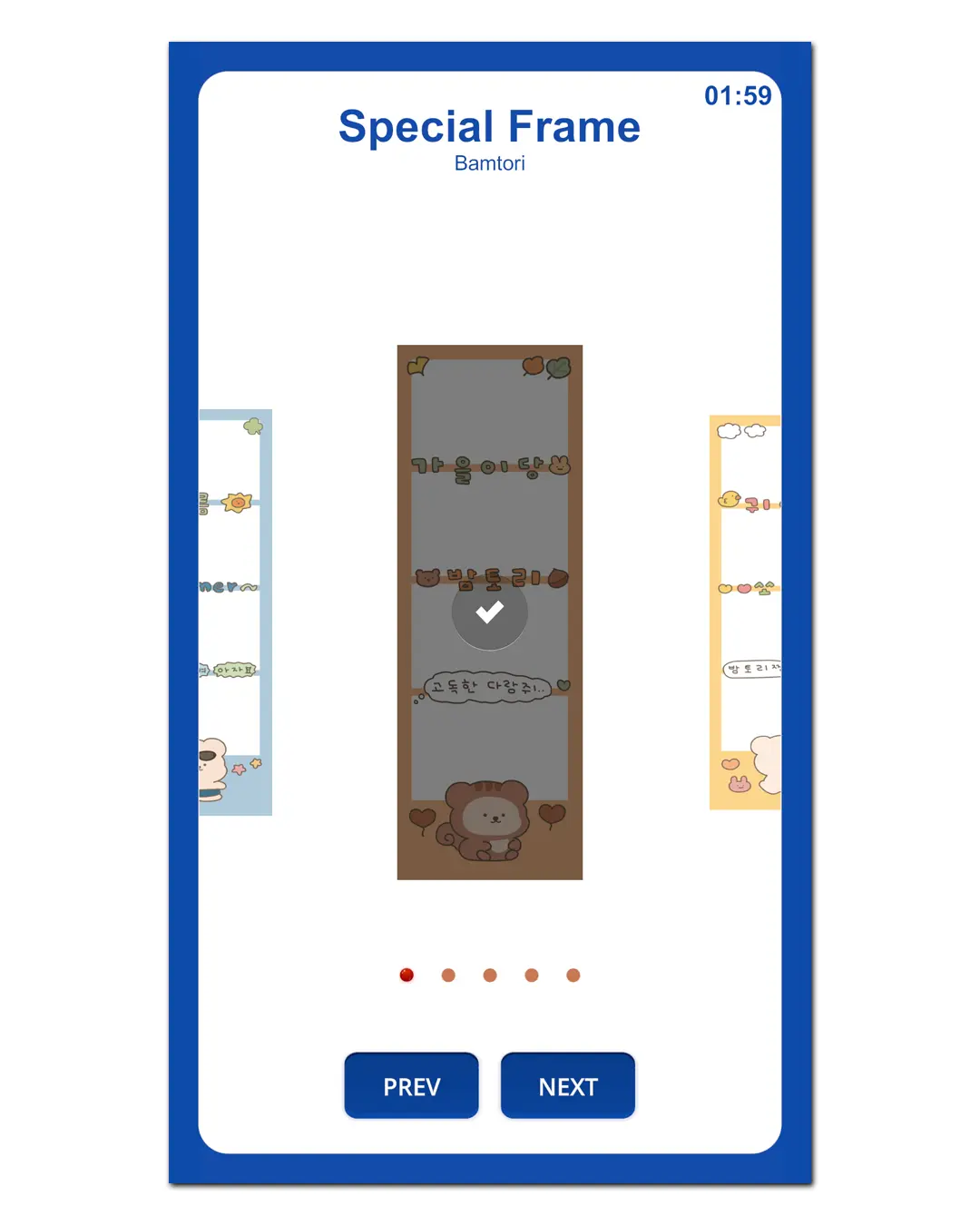
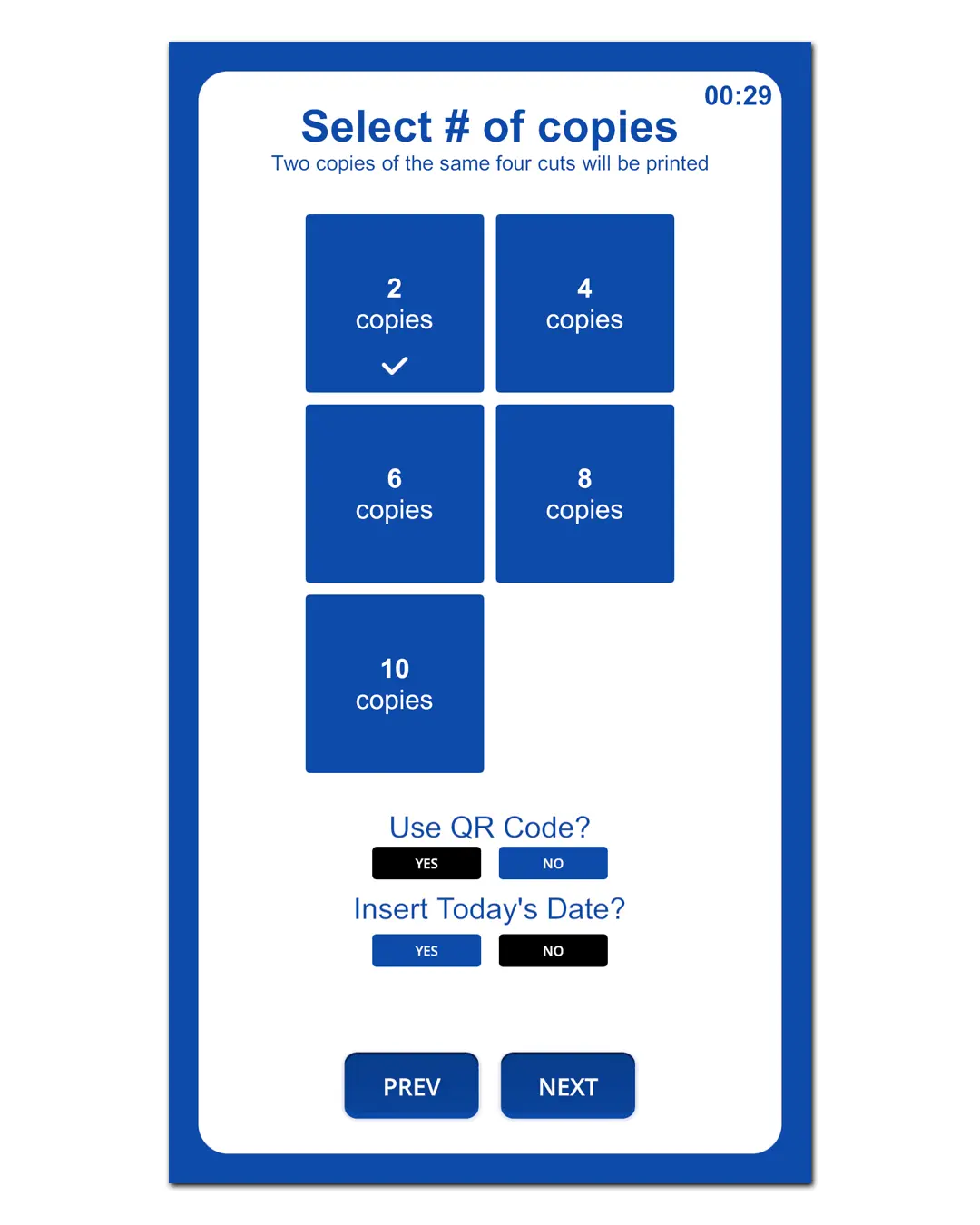
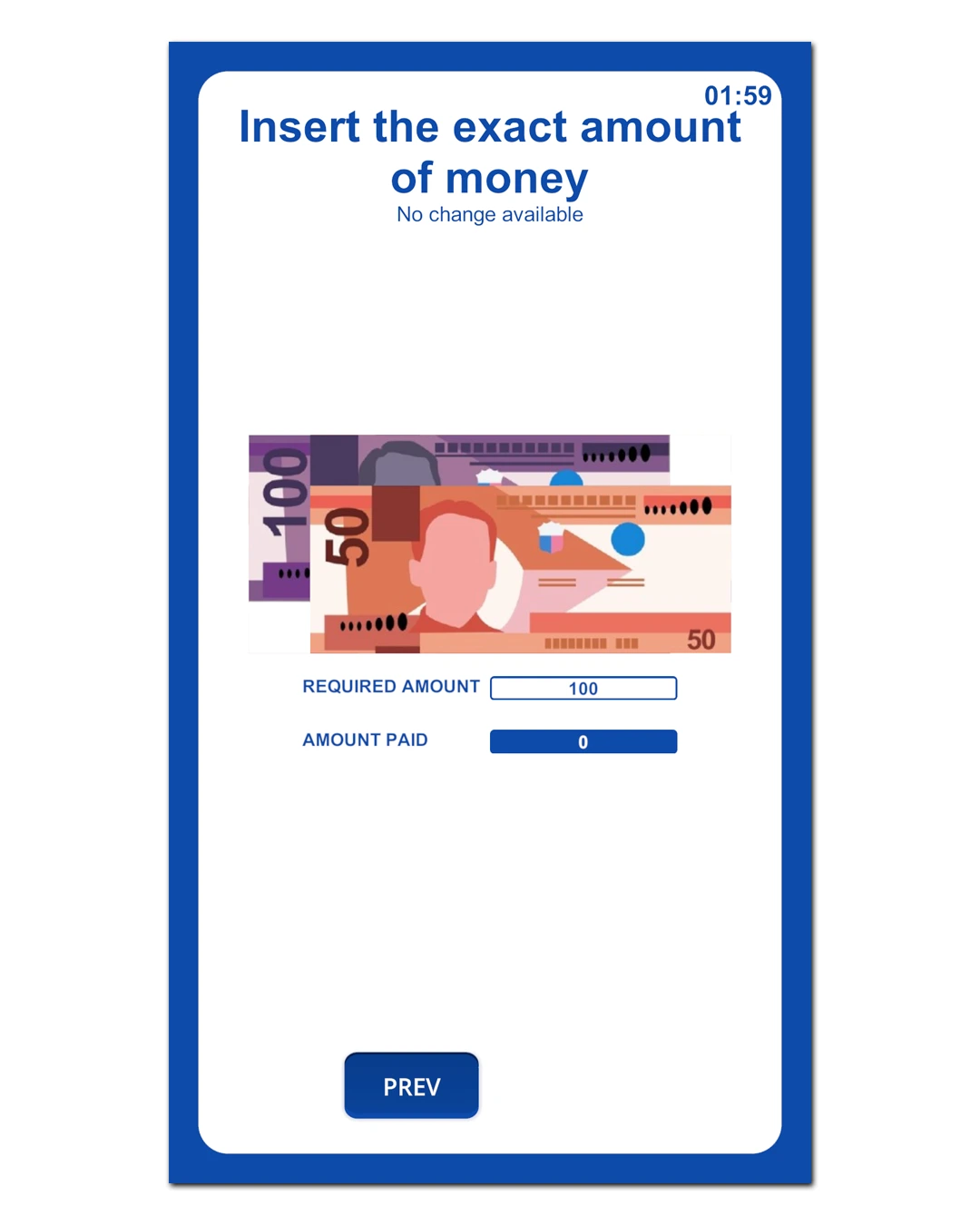
Haru Booth is a self-service photobooth software designed for automated booths. It supports session timers, and transaction reports—so customers can use the booth without staff.
Haru Booth helps you run a complete photobooth experience: start a session, capture photos, apply frames, and prepare prints smoothly for kiosks and self-studios.
With HaruBooth, you can set up a self-service photobooth in malls, cafés, events, and studios—simple for customers and easy for operators.
A quick walkthrough of Haru Booth running in kiosk/self-service mode.
Made for self-service kiosks
Session timer + auto end / reset flow
Smooth print queue + print-ready output
QR sharing for fast downloads
Transactions & usage reporting
Start Your Own Self-Service Photobooth
Haru Booth is built for entrepreneurs who want a fully automated, staff-free photobooth business. Simple setup. Smooth workflow. Real revenue potential.
A quick look at Haru Booth workflow for live events—fast capture, frame apply, and print-ready output.
Optimized for high-volume events
Built for weddings, birthdays, corporate events
Fast capture flow with operator-friendly controls
Quick reprints + consistent print sizing
QR downloads for guests
Built for speed on event day
From guest line to printed strips—Haru Booth keeps the flow moving. Perfect when you need fast output and consistent results.
 Kiosk Mode & Events Mode
Switch between self-service kiosk mode (mall/store) and events mode depending on your setup.
 Theme Color Customization
Change the primary theme color to match your brand.
Portrait / Landscape OrientationChoose portrait or landscape screen orientation based on your booth layout.
Home Screen Background (Image / Video)Customize your home screen using an image or video background.
 Dual Printer Setup (Default + Secondary)
Set a default printer and an optional secondary printer (e.g., 4-cut vs multi-frame output).
 Paper Remaining Tracker
Track paper remaining per box and reduce counts automatically after printing.
Test Print ToolsQuickly run test prints for faster setup and troubleshooting.
Flexible Pricing (4-cut & Multi-frame)Set separate pricing for 4-cut and multi-frame layouts based on your business needs.
 Webcam or Canon DSLR Mode
Select webcam mode or Canon DSLR mode for live view and capture workflow.
Live Preview in ConfigEnable live preview inside the configuration screen for easier camera setup.
 Bill Acceptor (COM Port) Support
Choose the bill acceptor COM port and configure offline payments for self-service kiosks.
 Telegram Channel Delivery
Automatically send finished outputs to your Telegram channel.
Offline Sharing via Local QRGuests can scan a QR code to download photos over local Wi-Fi (no internet required).
You can use a laptop, mini PC, or desktop computer. However, for compact photobox needs, we highly recommend using a mini PC for space efficiency.
For maximum results, use a DSLR/Mirrorless camera.
If you still have questions regarding the device, please consult the admin first. ❤️
Flexible plans for every booth. Upgrade anytime.
Monthly
₱999/mo
Intro price for the first 3 months
Annual
₱14,990/yr
Best value for active booths
Lifetime
₱19,990
Limited offer — first 20 buyers only